Delete your Prasang Invites account
You can delete your Prasang Invites account at any time, in the app or right here without the app. Deleting it removes your data from our servers for good.
What gets deleted
- Your account: name, email address, protected password or Google sign-in link.
- All your saved drafts, with every photo, video and music file you added to them.
- Your login sessions on every phone.
Nothing is kept afterwards, except what the law requires: purchases made through Google Play stay in Google's own records. Videos you already downloaded or shared stay on your phone and with the people you sent them to.
Option 1: in the app
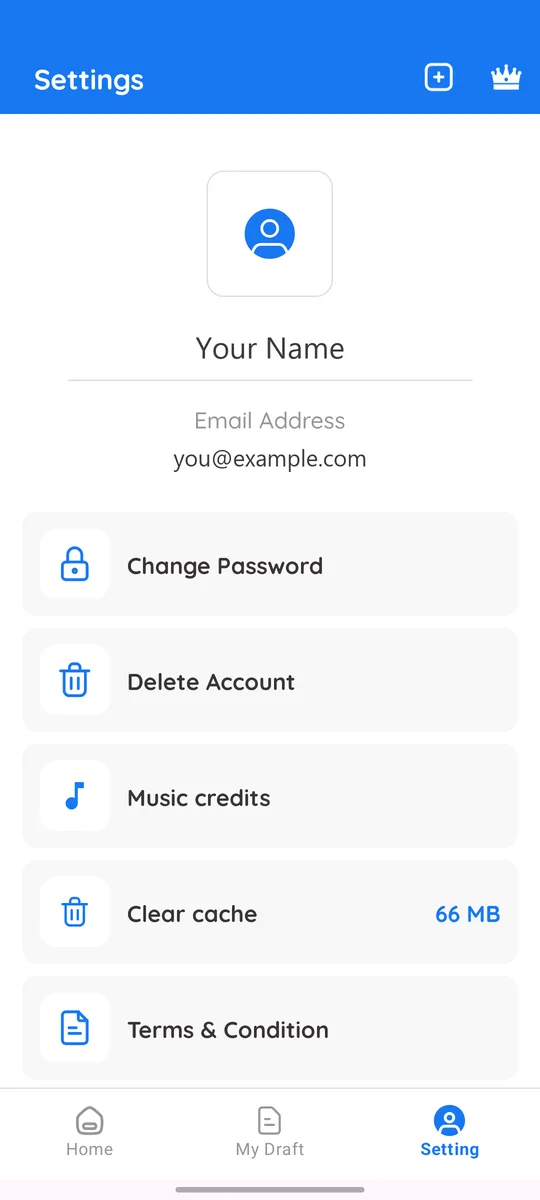
- Open the Prasang Invites app and tap Setting at the bottom.
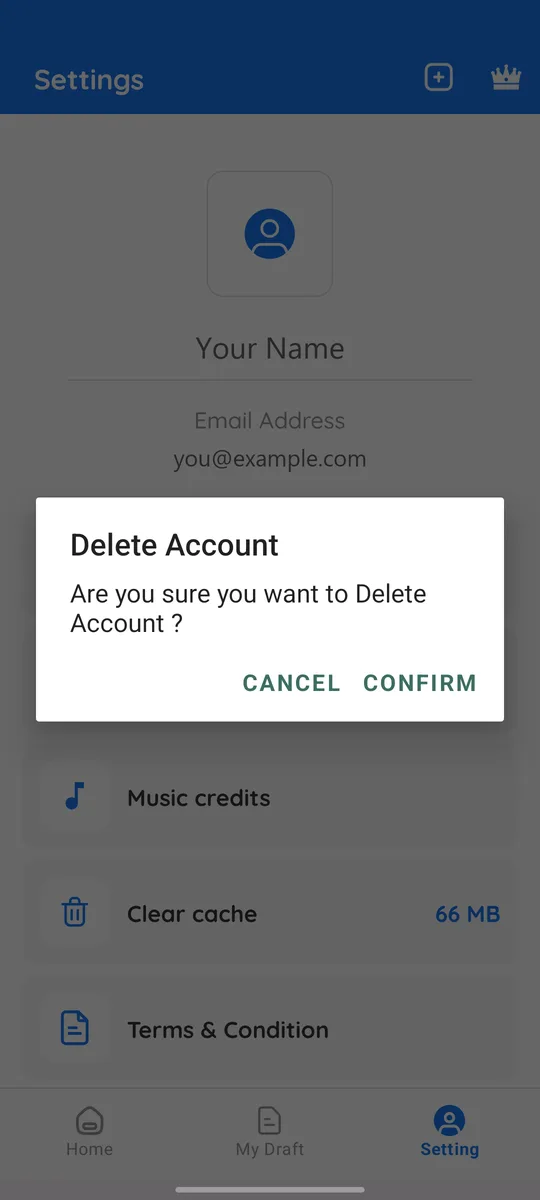
- Tap Delete Account, then Confirm.
- We send you an email. Open the link in it (within 30 minutes) and confirm once more.
Option 2: on this page (no app needed)
Type the email address of your account. We send it a link; open it and tap Delete my account. The link works for 30 minutes.
No access to that email any more? Write to prasanginvites@gmail.com from any address with the account email, and we will delete it after checking it is yours.